
No internet when you need files
Cloud links and saved references are hard to reach when the connection drops.
Save reusable details on your phone, keep document references organized, and export files in common sizes for exams, jobs, college, and government forms. Works offline for core preparation tasks.
Available on Google Play. No account required by default, and no automatic document upload.
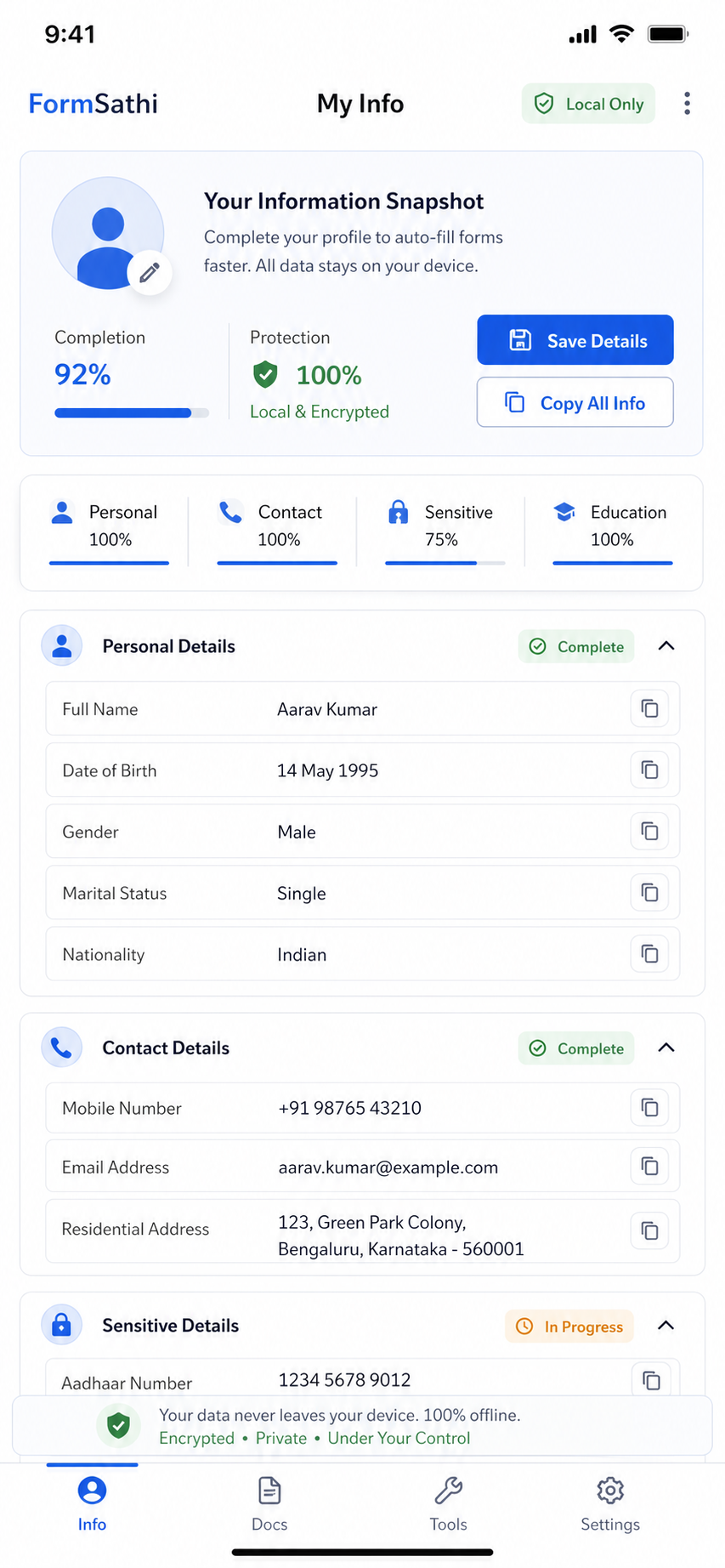
Form tasks often fail because the right details, files, and privacy controls are not ready when they are needed.
Cloud links and saved references are hard to reach when the connection drops.
Re-entering personal details takes time and leads to mistakes.
Portals often ask for exact KB limits, pixel dimensions, or file formats.
Uploading IDs, signatures, or certificates to unknown tools can expose private information.
Finding documents and signatures at the last moment is tough.
A simple local workflow for details, documents, exports, and final submission.
Add your details, IDs, addresses, and documents securely on your device.
Copy saved details while filling online or offline forms.
Export photos, signatures, images, and PDFs using common form presets.
Saved app data stays on your device by default unless you choose to export or share.
Review the official instructions, then upload the final file to the form portal.
FormSathi is offline-first by design. Saved app data stays on your phone by default. We do not automatically upload documents, collect personal files through the website, or share your information without your action.
Exact advice for tight signature upload limits on exam and government portals.
Read articleUse the right order for crop, resize, and compression when the portal checks both.
Read articleKeep grades readable while meeting strict PDF upload limits.
Read articleSimple steps to protect saved information on your phone.
Read privacy notesOpen the blog, evergreen guides, and tool explainers from one place.
Open resourcesCore preparation tasks are designed to work offline. Saved details and documents stay on your phone unless you choose to export or share them.
Your saved app data is intended to stay on your phone by default.
Yes. Use FormSathi presets, then verify the latest official form portal instructions before upload.
Manual backup and restore should be used only when available and clearly shown in the app.
Current pricing and availability are shown on the Google Play listing and the download page.
Download FormSathi on Google Play and prepare faster for exams, jobs, college, and government forms.